Shopware API Integration
Want to connect your Shopware store to an ERP, CRM, PIM, or other third-party system? With professional Shopware API integration, I help you automate workflows, eliminate manual processes, and build seamless digital infrastructure for your business.
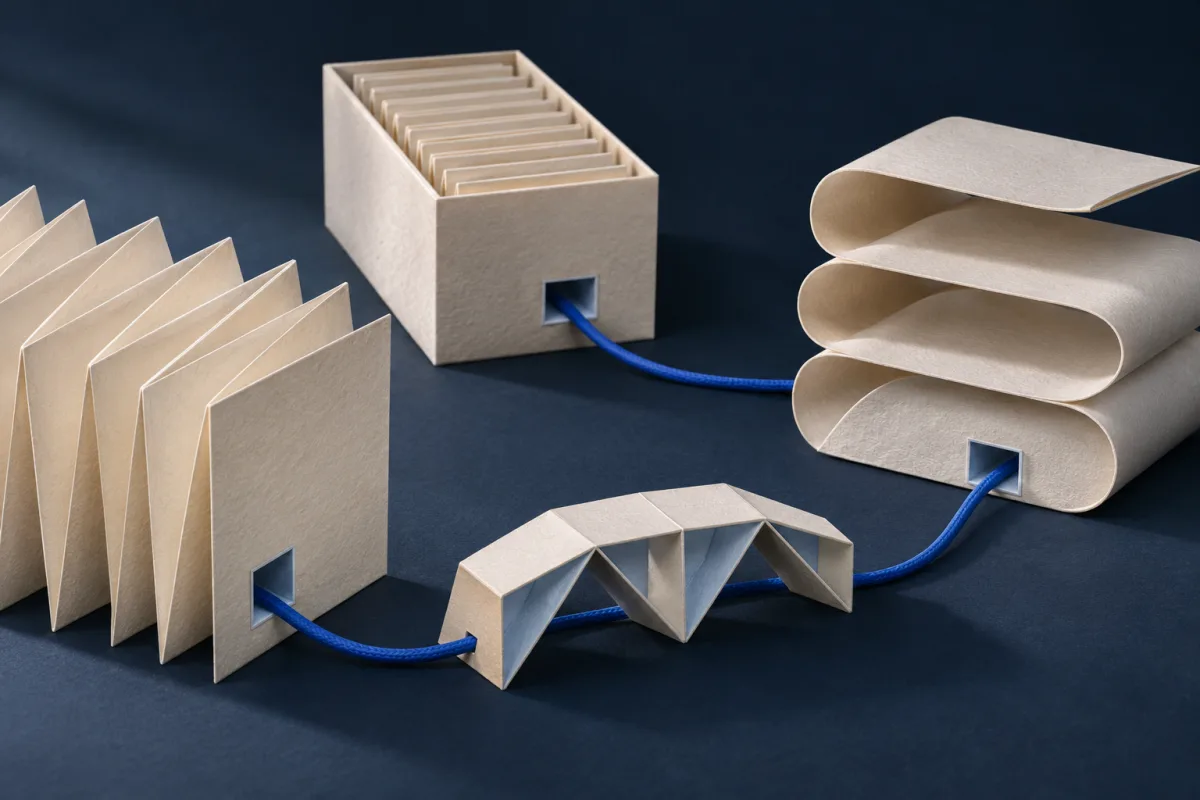 Illustration
Example workflow
Connect systems and control data transfers.- 01SourceERP, PIM or CRM
- 02MappingMapping & validation
- 03ShopwareProcess the request
- 04StatusReturn the result
Illustrative data flow. Source of truth, direction and error handling are agreed for each integration.
Why API integration matters
The REST and Admin APIs of Shopware 6 allow flexible access to nearly all data structures – including products, orders, inventory, and customer records. With the right interface, you save time, avoid human error, and gain real-time control of your e-commerce operations.
Common integration use cases:
- ERP integration for inventory and order handling
- PIM integration for managing complex product data
- CRM sync for customer and newsletter systems
- Payment, shipping, and fulfillment APIs
- Marketplace integration (e.g., Amazon, eBay)
- Live updates of orders, prices, or stock
My integration approach
I plan, develop, and document your Shopware API integration based on your exact requirements. Key aspects I focus on:
- Error handling and retry logic
- Secure authentication via API keys or OAuth
- Performance and scalability with large datasets
- Decoupled, update-safe architecture
Depending on the scenario, I use polling, webhooks, or event triggers within Shopware. All integrations are modular, secure, and thoroughly tested.
Typical Integration Scenarios in Detail
Depending on your business model and system landscape, different requirements arise for Shopware API integration. Here is an overview of the most common scenarios:
- ERP Integration (e.g., SAP, Microsoft Dynamics, Sage): Automatic synchronization of orders, inventory levels, invoice data, and product master data between Shopware and your ERP system. This eliminates double entries and ensures both systems always have up-to-date data.
- PIM Connection (e.g., Akeneo, Pimcore): Central management of complex product data including descriptions, media, translations, and technical attributes. Changes in the PIM are automatically synchronized to Shopware.
- CRM Synchronization (e.g., Salesforce, HubSpot): Customer data, purchase histories, and segmentation are synced between shop and CRM to enable personalized marketing and better customer service.
- Payment Providers (e.g., Mollie, Adyen, Klarna): Integration of modern payment interfaces for a seamless checkout experience with all relevant payment methods.
- Shipping & Fulfillment (e.g., DHL, DPD, ShipCloud): Automatic transfer of shipping orders, label generation, and tracking information directly from Shopware.
- Marketplace Connections (e.g., Amazon, eBay): Synchronization of product data, prices, and orders between your Shopware store and external marketplaces.
Technical Approach and Best Practices
Every API integration begins with a thorough requirements analysis. Together, we determine which data flows in which direction, what frequency makes sense, and how errors should be handled. My technical approach follows proven principles:
I work decoupled from the Shopware core, ensuring your integrations remain stable even after Shopware updates. Communication between systems runs through the REST or Admin API of Shopware 6 with clearly defined endpoints, structured data mapping, and robust error handling. For time-critical data, I use real-time webhooks, while batch processes and queues handle bulk data transfers. Every interface is thoroughly tested, documented, and equipped with monitoring so you can always keep track of your data flows.
Your Advantages with SP Webconsulting
- Years of experience with complex Shopware integration projects
- Direct point of contact for all technical questions
- Custom, update-safe, and scalable solutions
- Practical implementation – no experiments on your live system
- Transparent communication and reliable support
- Independent advice on system selection and best practices
Conclusion: Smart API integration creates the foundation for scalable and efficient e-commerce processes. Let’s discuss your use case and create a tailored solution.
FAQ – API Integration & Interfaces
- Which systems can be connected to Shopware?
- Almost any system with an API (REST, SOAP, GraphQL) can be connected – ERP, CRM, PIM, logistics software, or custom internal tools.
- Do you build custom interfaces?
- Yes, if no standard plugin exists, I develop individual interface solutions tailored exactly to your data structures.
- Is data synchronization automated?
- Yes, interfaces normally run fully automatically via cronjobs or real-time webhooks, so your data is always up to date.
- What happens if the API changes?
- I develop robust and maintainable code. If external APIs change, I can adapt the interface accordingly.
- What information is needed before planning an integration?
- A description of the data flow, the systems involved and available API documentation helps establish the scope. We clarify which system owns each data field, the transfer direction and how failed or duplicate transfers should be handled.
- How does an API integration project work?
- I start by documenting requirements and data flows, then plan and implement the interface. Tests, error handling and monitoring are agreed before release so the integration can be checked in real operating conditions.
- Can you implement custom workflows?
- Yes. Depending on the systems involved, this can include webhooks, event-triggered actions and custom fields. I review the available APIs and technical constraints before confirming the scope.
- How is data exchange secured?
- Interfaces use encrypted connections and authentication mechanisms supported by the systems, such as API keys, OAuth or access tokens. Access permissions and handling of credentials are included in the implementation plan.
- Can you maintain an integration after launch?
- Yes. Ongoing technical monitoring, troubleshooting and adaptations after system updates can be included in a support arrangement.
- How can I discuss my project with you?
- Use the contact form to describe your store, requirements and preferred timeframe. You can also call +49 1590 6787569. I will respond personally to clarify the next step.