Legacy code clean-up

Remove legacy code.
Without breaking anything.

In many applications that have grown over time, nobody knows exactly which code is still needed. So nobody dares to delete anything, and every change costs more than the last. I establish what is actually used and remove the rest step by step.

Discuss a clean-up

Stefan Pilz · PHP development and codebase reviews · 100% remote

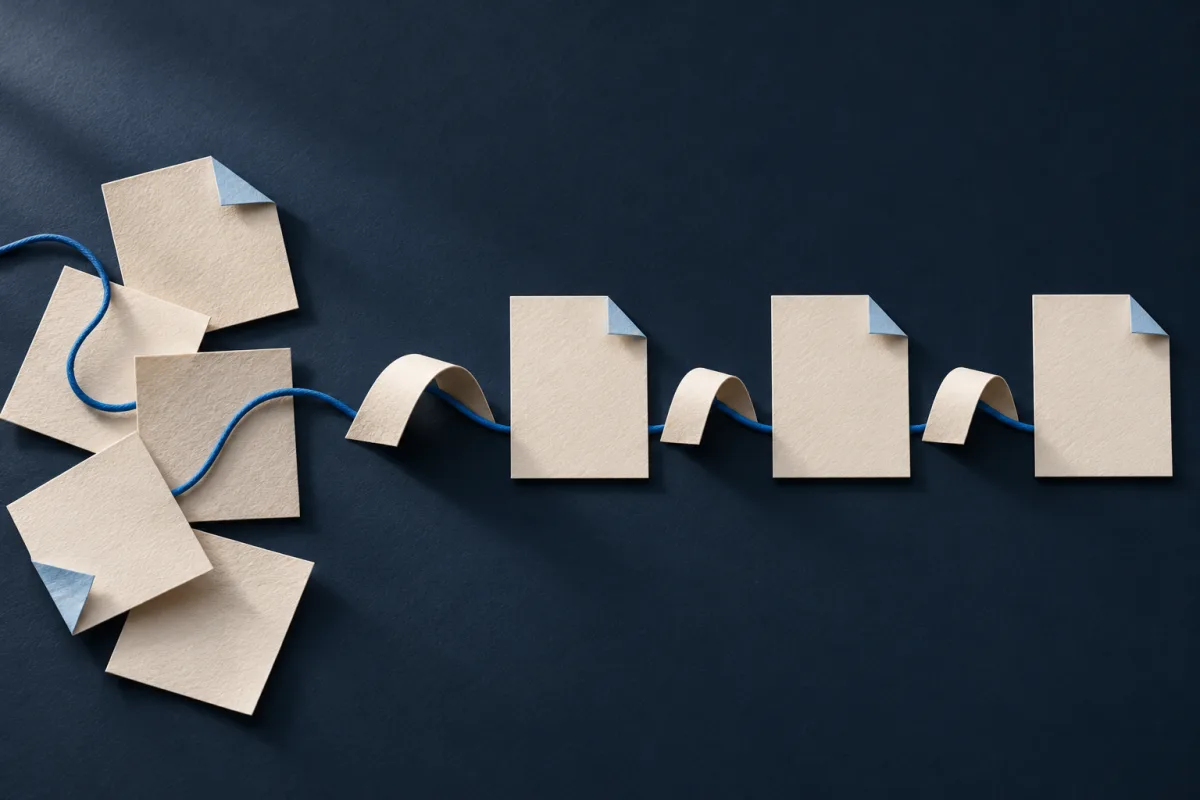
IllustrationUnderstand first, then clean up.

SERVICE OVERVIEW

What legacy code clean-up means

Legacy code clean-up means removing unused code, unnecessary dependencies and outdated features from an existing application without putting day-to-day operation at risk. The basis is not guesswork but evidence of which code is actually executed.

Every application accumulates ballast over the years: features for customers who no longer exist, commented-out blocks, folders named _old or backup2, libraries nobody uses any more and workarounds for problems solved long ago. The person who wrote the code has often left the company.

The result: every change takes longer because you first have to work out what it affects. Upgrades become risky, unused libraries remain in the system as a security risk, and new developers need weeks to find their way around.

Your contact: Stefan Pilz · Stefan Pilz Ltd. · Collaboration is 100% remote

SERVICE SCOPE

Turning uncertainty into a clear plan

Establish what is really used

Static analysis shows which code is never called and which Composer packages are unused. That is not enough, because in PHP a lot is resolved only at runtime. I therefore also place unobtrusive markers in suspicious code that log whether it is still executed in production. Server access logs and a list of all cron jobs and imports complete the picture.

A sufficiently long observation period is essential: code that only runs at the end of the month or once a year, such as for year-end closing, must not be mistaken for unused code.

Secure before deleting

If there is no version control yet, I set it up first. Every change then becomes traceable and reversible. For business-critical workflows I write tests that capture today's behaviour. This immediately reveals if a clean-up changes something that should stay as it is.

Remove, simplify, document

I remove unused code in small steps that can each go live on their own. Parts that are still needed but hard to follow are simplified so that they become readable and testable. Every decision is documented so that it remains clear later why something was removed.

TYPICAL LEGACY ISSUES

What accumulates in applications that have grown over time

The following points describe typical legacy issues, not documented client projects.

Files and folders nobody recognises

Copies such as index_old.php, test scripts in the public directory or whole folders of old versions. They are not just ballast but may also be reachable from outside unintentionally.

Libraries without a purpose

Packages that were once installed for a feature that no longer exists. They block upgrades and keep their vulnerabilities in the system, even though nobody needs them.

Special cases for past requirements

Conditions for individual customers, campaigns or interfaces that were switched off long ago. Each one makes the code harder to understand and changes riskier.

DELIVERABLES & SCOPE

Your result and what we clarify beforehand

Your agreed deliverables

We agree the deliverables before starting. Depending on the scope, these may include:

  • Inventory of used, unused and unclear code and dependencies
  • Version control and tests for the key workflows, where not already in place
  • Ballast removed in traceable steps that can each be reverted
  • Documentation of the decisions and of remaining open points

What we clarify beforehand

Only the analysis shows how much can be removed. For code whose usage cannot be clearly established during the observation period, we decide together whether it stays, is archived or is removed after consultation. Without access to the source code and server logs, reliable evidence is not possible.

Effort and costs

For an initial assessment, a rough description of the application, its age and the PHP version in use help. We agree the scope of the analysis and the clean-up beforehand.

WORKING TOGETHER

How a clean-up works

Access and overview

I get an overview of code, server, cron jobs and interfaces and clarify with you which workflows are business-critical.

Observe

Markers and logs collect data over an agreed period on which parts of the code are actually used.

Clean up

Unused code is removed in small steps, each change is tested and deployed individually.

Hand over

You receive a cleaned-up application, documentation and a basis for future upgrades.

RELATED SERVICES

Often goes hand in hand

Database clean-up

Remove orphaned tables, logs and outdated data with a tested backup and a way back.

PHP upgrade

Adapt your code to PHP 8.4 or 8.5 before your current version stops receiving security fixes.

Symfony upgrade

Move from older releases via the LTS versions to Symfony 7.4 or 8.

QUESTIONS & ANSWERS

Questions about cleaning up legacy code

What if we delete something that is needed after all?

That is exactly why I work with evidence, small steps and version control. Every deletion can be reverted specifically. Unclear parts are not simply removed but observed first or agreed with you.

Our original developer can no longer be reached. Is that a problem?

No, that is the most common situation. The analysis relies on the code, the logs and the knowledge of the people who work with the application, not on the original developer's memory.

Does everything have to be rewritten?

No. The aim is to keep the existing application and make it easier to understand. A rebuild only makes sense if the analysis shows that the codebase cannot be developed further economically.

How long is the observation period?

That depends on how often your workflows run. For day-to-day operation a few weeks are often enough. For month-end or year-end processes we set the period accordingly or clarify usage in conversation.

We have no version control. Is a clean-up still possible?

Yes. Setting up version control is then the first step. From that moment on, every change to your application is traceable, beyond the clean-up as well.

NEXT STEP

Which application has outgrown you?

Briefly describe what the application does, how old it is and where changes get stuck. I will get back to you with a proposal for the assessment.

Your enquiry goes directly to me, Stefan Pilz. We agree the scope and costs before you commission any work.

What happens next

  1. Clarify the situation

    I read your enquiry and get back to you. Together, we clarify your goals, constraints and open questions.

  2. Choose a practical starting point

    Depending on the project, we start with a specific implementation or an analysis agreed in advance.

  3. Agree on scope and a proposal

    You know which services and deliverables are included. We agree on scope, effort and costs before you commission the work.

Request a clean-up

* Required fields. A short description is enough.

I will reply to this address.

What does the application do, and since when has it existed? Which PHP version and framework are in use? Is there version control or are there tests?

This helps me get an initial impression.

Your information is used to process your enquiry. See the privacy policy for details. Please do not send login credentials or sensitive documents.

Sending an enquiry does not place an order.